Moderator Role
A moderator role can be set to quickly designate a role that can use UnbelievaBoat's moderation features. A configured moderator role does not need to have moderation permissions enabled in the Discord server settings.
The moderator role grants access to the following commands:
- deleted-message-log
- edited-message-log
- message-log-ignore
- warn
- kick
- voice-kick
- mute
- soft-ban
- temp-ban
- ban
- un-ban
- un-mute
- view-case
- remove-case
- punishments
- reason
- purge
- lock-down
- slow-mode
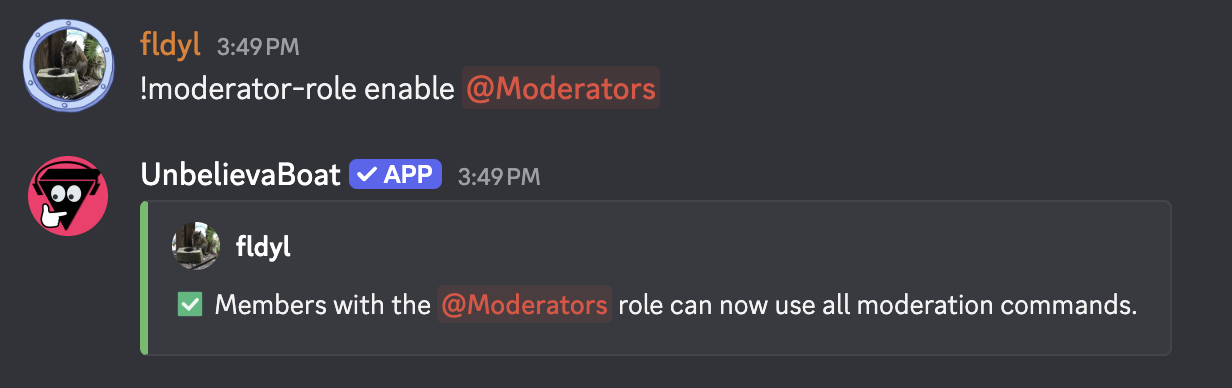
Setting the moderator role
- The moderator role must first be created in Server Settings > Roles. No moderation permissions need to be enabled for the role.
Usage: moderator-role enable <role>
Disabling the moderator role
Usage: moderator-role disable