By Channel
Commands can be disabled or enabled in a specific channel using the channel-override command. Even if a command was disabled entirely using the disable command, the channel-override can be used to enable a command in a specific channel only, and vice versa.
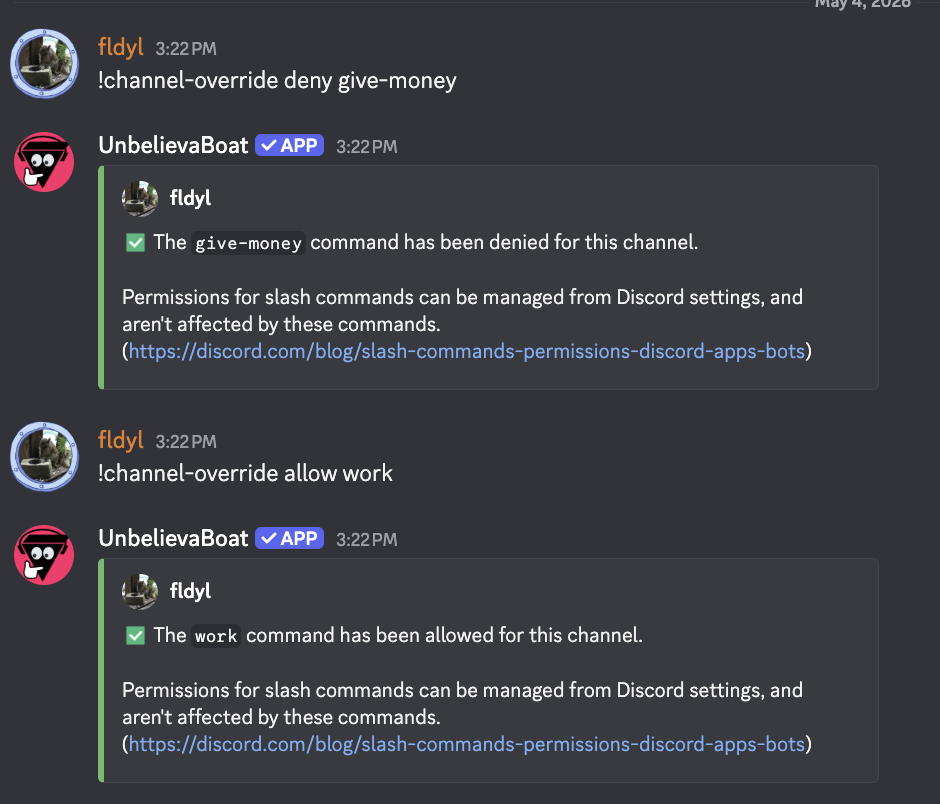
Disabling a command in a channel
Use the channel-override command
!channel-override deny <command or module>
Allowing a command to be used in a channel
Use the channel-override command
!channel-override allow <command or module>
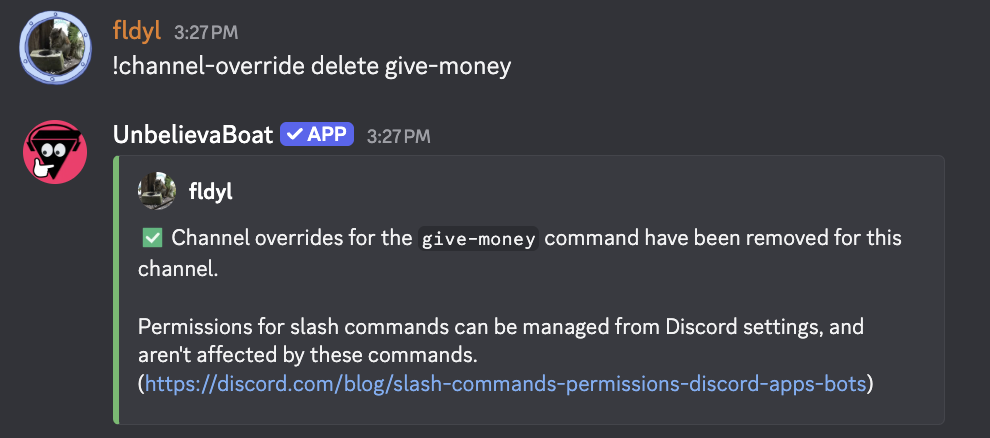
Resetting an override
You can reset a command that was allowed or denied. If the command was disabled for the server using the disable command previously, this means the command will also be disabled in the channel if reset, and vice versa.
Use the channel-override command
!channel-override delete <command or module>
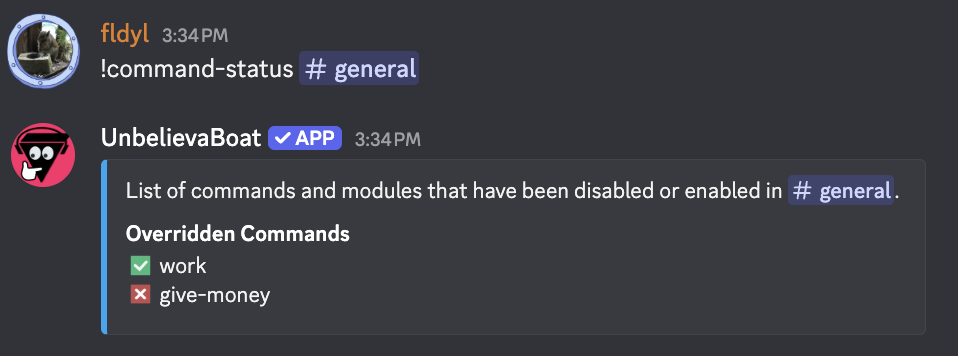
Viewing currently allowed or denied commands
Use the command-status command
!command-status <channel>
Additional considerations
- Allow takes priority over deny. For example, if a module is denied for a channel, and a single command from the module is then allowed, the command will be available for use in the channel.