Bot Commander Role
A bot commander role can be set to quickly designate a role that is able to use bot commands that configure settings (such as set-payout and add-money). Most of these commands require the Manage Server permission by default, but if the member has the bot commander role, this requirement is bypassed. Only give this role to users trusted to manage your UnbelievaBoat economy.
Members with the bot commander role can also access the Dashboard.
What it covers
The bot commander role works for economy, income, store, and game settings, for example:
add-money,remove-money,reset-money, andreset-economyset-payout,set-cooldown,set-fine-amount, andset-fail-ratecreate-item,edit-item,give-item, andtake-itemset-game-cooldownandset-bet-limit
It does not cover permission and server settings, such as enable, disable, channel-override, permissions, and prefix.
The bot commander role only applies to text commands. Slash commands such as /add-money use Discord's permissions instead, which can be changed in Server Settings > Integrations.
Setting the bot commander role
You need the Administrator permission to set the bot commander role.
!bot-commander enable <role>
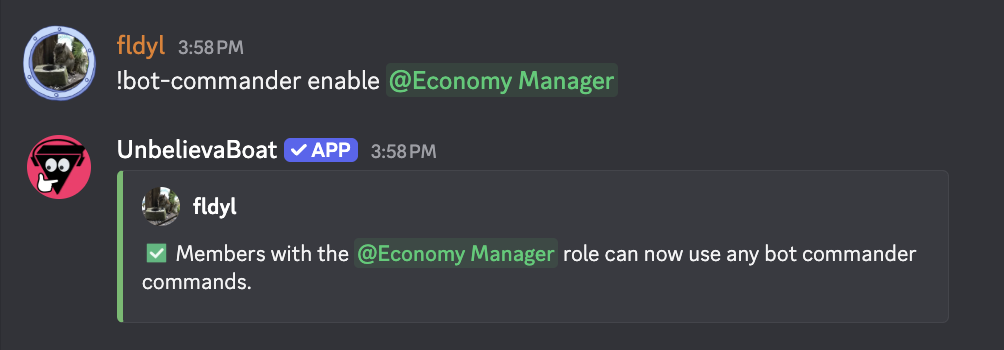
The role can also be set from the Dashboard → Bot Commander.
Disabling the bot commander role
!bot-commander disable