How do I add a role to my store?
Adding a role to your store that members can buy is quick and easy.
-
Visit the dashboard and navigate to the Store page
-
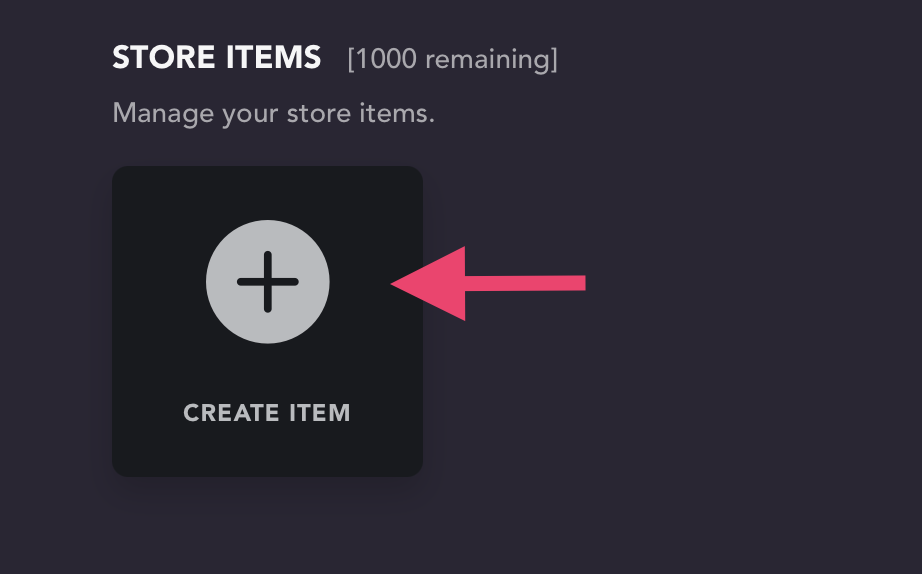
Select "Create Item" (if the item has already been created, you can skip this step)
-
Select the item that was created to open its settings
-
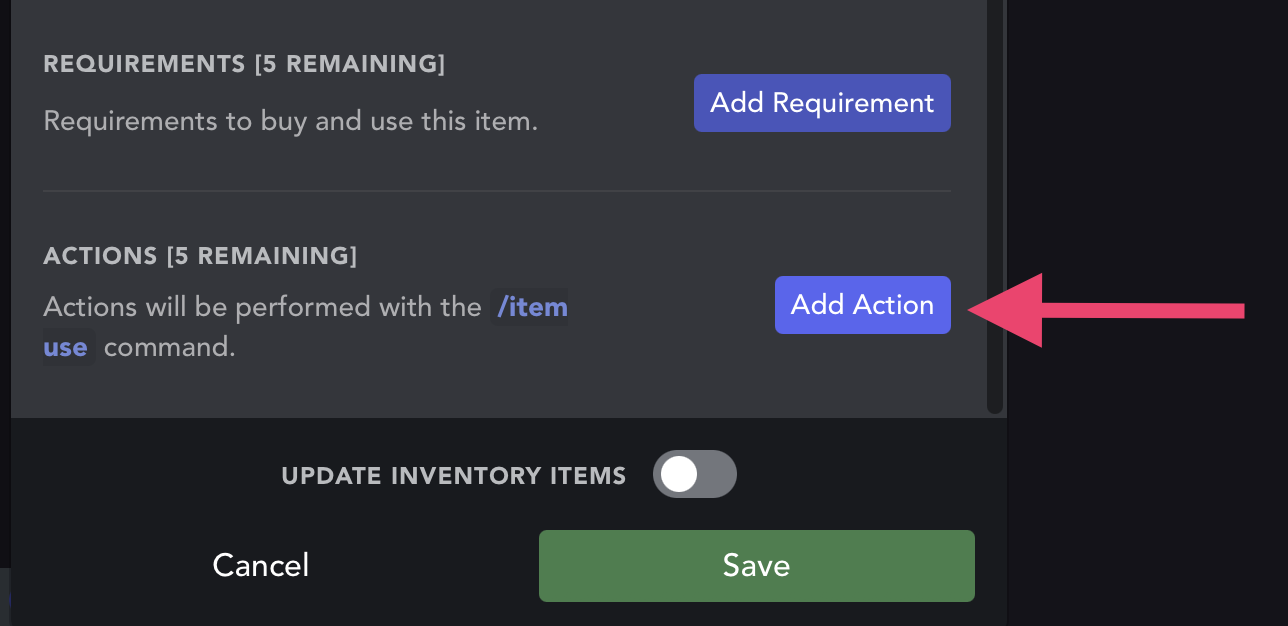
Scroll down to select "Add Action"
-
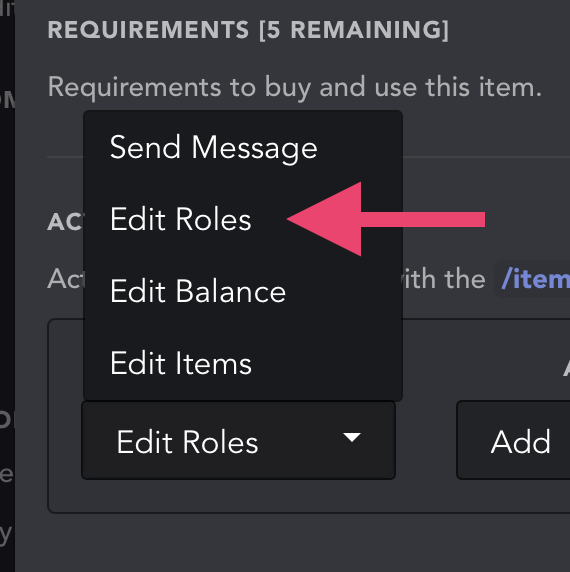
After clicking the dropdown that apears, select "Edit Roles"
-
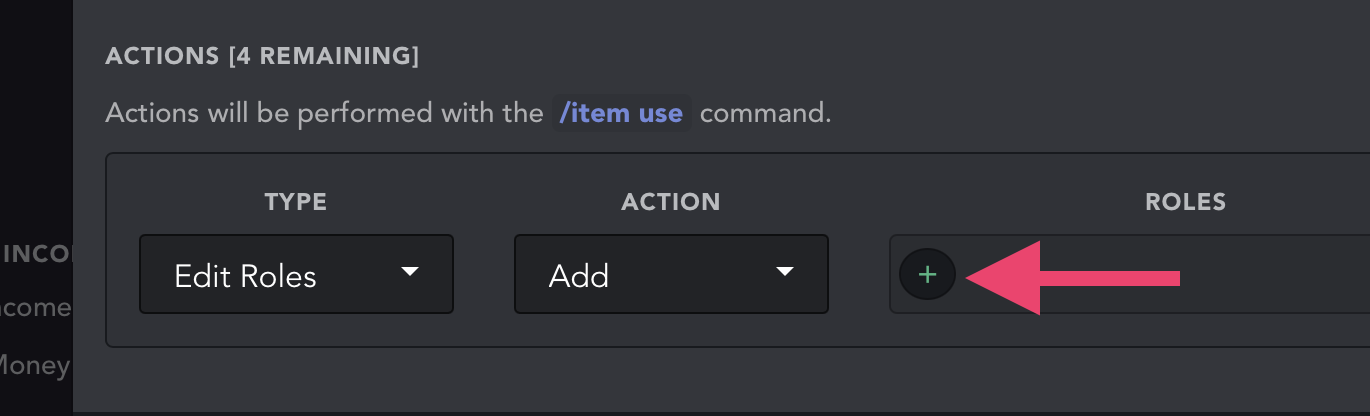
Select the add role button
-
Add your role. Make sure this role is below UnbelievaBoat's highest role in the list found in your Server Settings > Roles, or UnbelievaBoat will not be able to add the role to the member.
-
Click save to save your changes
Optional: Add a time limit to the role
The role can be removed from the member automatically after some time. To configure this, select the timer icon next to where the role is added. By default, there is no time limit.